

Published: 24.03.2026
See moreInstructions for Replacing the Air Filter of Kosmen KM-A65
 Kosmen Đà Nẵng
 Published:
05/12/2025, 13:00
- Updated at 05/12/2025, 13:17
Published:
05/12/2025, 13:00
- Updated at 05/12/2025, 13:17To ensure that the Kosmen KM-A65 air purifier always operates efficiently, it is essential to replace the air filter periodically. A dirty filter will reduce its ability to capture dust and impurities, affecting both indoor air quality and your family’s health. Below is a step-by-step guide to correctly replace the air filter right at home.
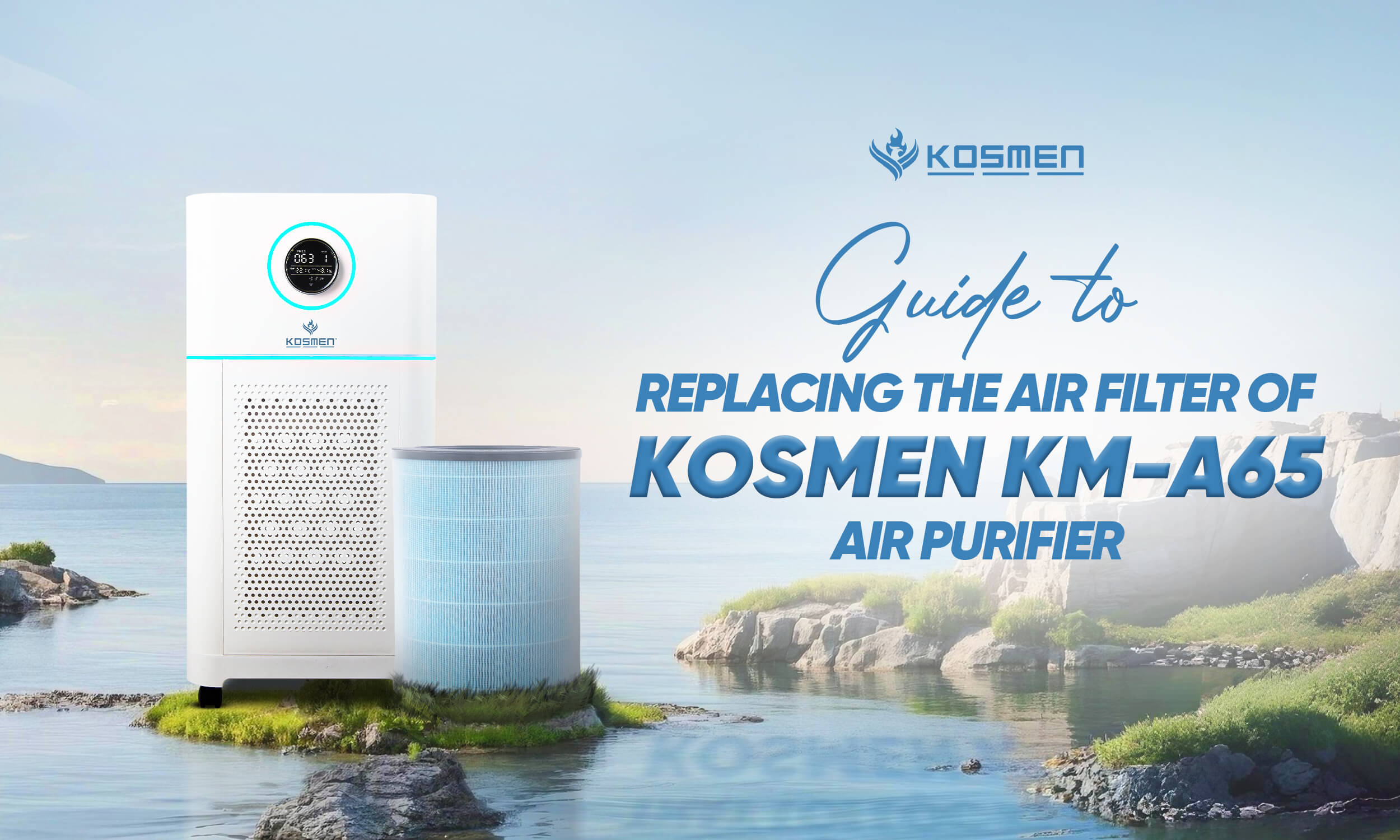
Guide to replacing the air filter of Kosmen-A65 air purifier
Detailed Instructions for Replacing the Air Filter of Kosmen KM-A65
Signs to Know When to Replace the Air Filter
When the Reset Filter indicator light flashes on the screen or a warning is displayed on the Tuya Smart app, it means you need to replace the air filter to ensure optimal air purification performance.
If you notice that the filter is covered with dust, the air after filtration has an unpleasant odor, or dust is not being effectively removed. The filter should be replaced after 6–9 months of use.
Step-by-Step Instructions for Replacing the Air Filter
Step 1: Turn off the machine and unplug it
First, make sure the machine is completely turned off and unplugged from the power outlet to ensure absolute safety. Then, empty the water from the humidifying compartment to prevent it from spilling into the machine.
Step 2: Place the machine on its side on a flat surface. Open the bottom cover of the machine and gently turn it clockwise to remove the lower filter cover.
Step 3: Remove the filter from the machine gently pull the filter out, being careful not to let dust spread outside.
Step 4: Hold both sides of the filter that needs to be replaced and gently place it into the trash bin.
Note: Avoid contact with the surface of the used filters and do not smell the discarded filters as they may contain air pollutants.
Step 5: Open the new filter and remove the packaging from the filter membrane.
Step 6: Place the new filter inside the machine.
Step 7: Install the lower filter cover back into its position and tighten it counterclockwise.
Step 8: After replacing the filter, turn the machine back on, press and hold the Reset (Filter) button for 5 seconds to restart the filter replacement timer (or reset it in the app). The filter time will return to 0, the timer will restart, and the machine will run normally.
Notes When Replacing the Air Filter
- Only use genuine Kosmen filters to ensure the machine’s performance and durability.
- Do not reuse old filters, and do not wash or clean them with a vacuum cleaner as they may contain large amounts of dust and bacteria.
- Gently clean the filter compartment with a dry cloth before installing a new filter.
- The lifespan of the filter depends on the amount of air the machine purifies and may vary depending on how the user operates it.
- In heavily polluted environments, the filter’s lifespan may be shorter than recommended.
- If you remove the front panel to replace the filter while the machine is running, all the lights will turn off.
- When reinstalling the front panel on the air purifier, the panel will resume operating in its previous state.
Why You Should Replace the Air Filter Regularly
- After long-term use, the filter will be covered with fine dust, pet hair, etc., which reduces its filtration efficiency. If not replaced, the device will no longer purify the air effectively as before and may even become a breeding ground for harmful bacteria.
- Prevent the growth of mold, bacteria, and microorganisms.
- If the filter is not replaced regularly, it not only reduces air quality but also affects your family’s health.
- When the filter is clogged, the machine will operate at higher power, consume more electricity, and may easily be damaged. Replacing the filter regularly will help extend the machine’s lifespan and ensure smooth operation.
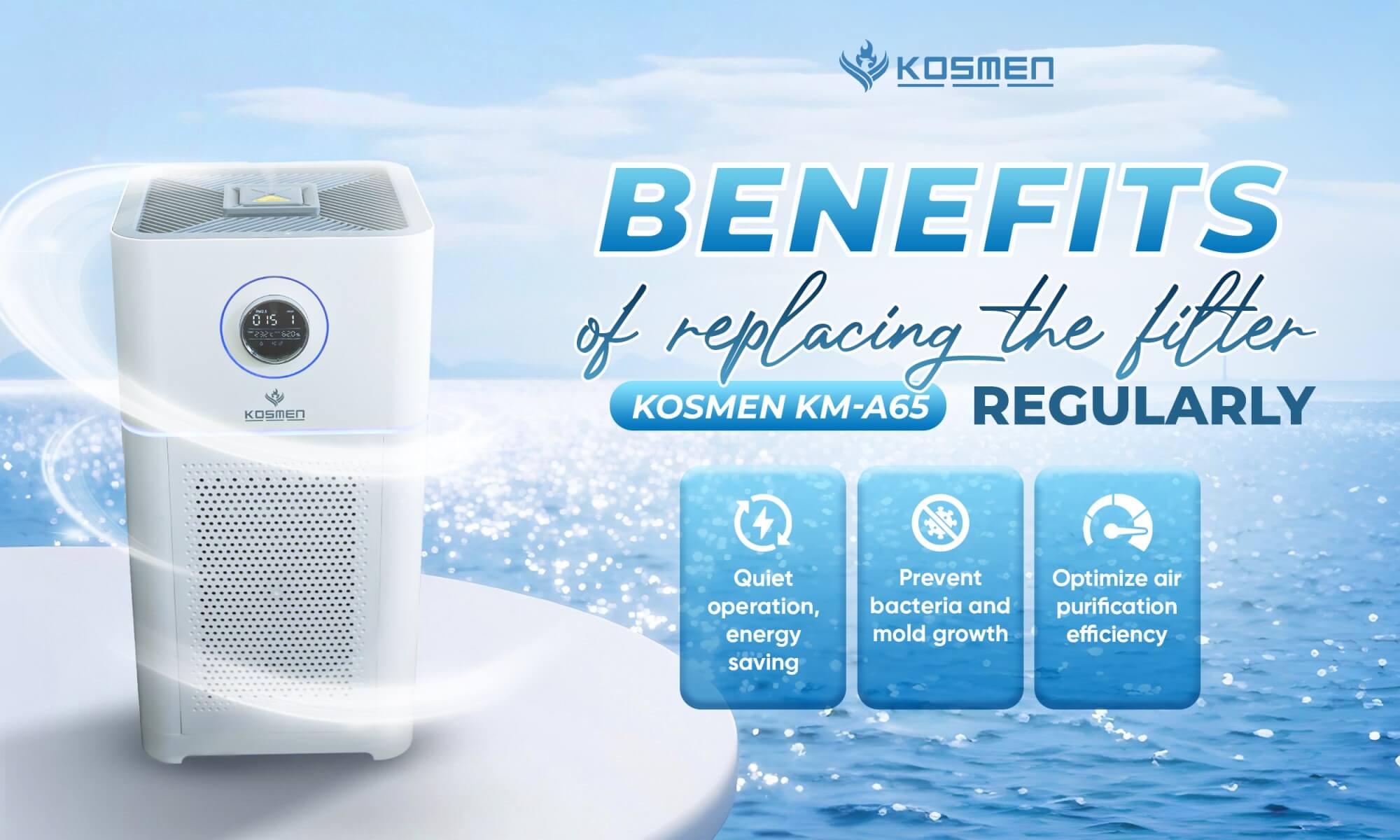
Benefits of regularly replacing the Kosmen KM-A65 air filter cartridge
With the above information, we hope you now understand how to replace the filter of the Kosmen air purifier. If you need further instructions or technical support, please contact Kosmen Customer Care. We are always ready to assist you!
Contact Support:
- Head Office: No. 27B, Street 12, Hiep Binh Ward, Ho Chi Minh City
- Hanoi Office: No. NV4.7, Cau Buou New Urban Area, Thanh Liet Ward, Hanoi City
- Da Nang Office: No. 41, Vo An Ninh Street, Hoa Xuan Ward, Da Nang City
- Da Lat Office: No. 38/7, Ba Thang Hai Alley, Xuan Huong Ward, Da Lat, Lam Dong Province
- Hotline: 0766 899 799 (North) - 0965 210 874 (South) - 0961 061 076 (Central Highlands) - 0935 696 695 (Central)
- Website: kosmen.com.vn/en
Share the article


Related news